Setting your IPTC Identity
In this lesson you will learn how to set your IPTC identity data. This metadata should be automatically embedded in all imported and exported image files. The metadata will clearly state the file's owner's name and contact details
Edit Metadata Presets ..
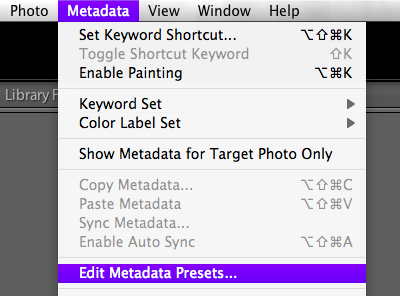
Go Metadata > Edit Metadata Presets ...
Metadata Presets Panel
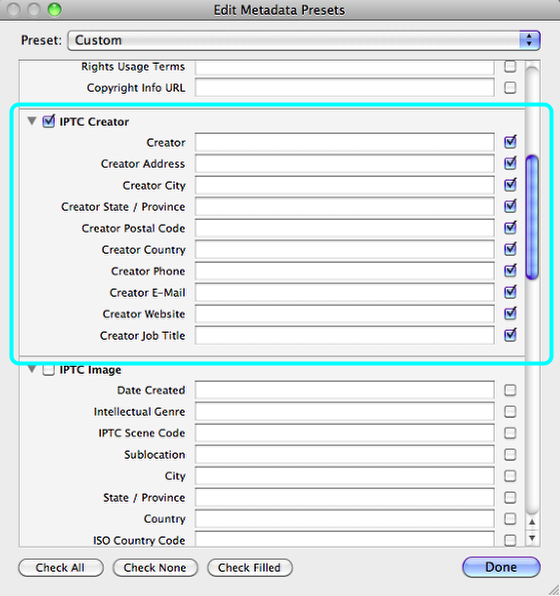
Scroll down the panel to view the IPTC Creator panel.
Complete the form
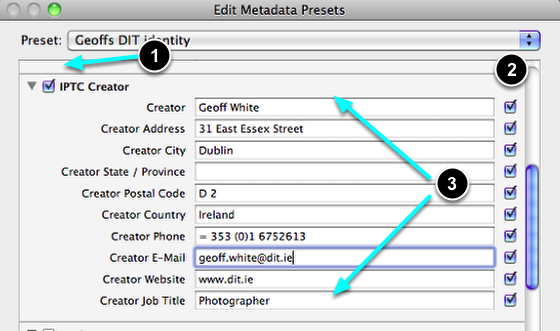
- Make sure that the box is ticked.
- Unless the boxes below are ticked, then the corresponding data will not be saved.
- Now fill in your personal details as appropriate.
Remember, this information will be attached to all your images. Do not use data which is likely to be short term or temporary.
This data can be changed and updated at a later time if necessary.
Save the New preset
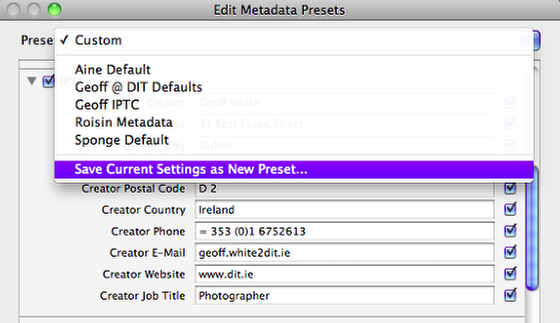
Go Preset > Save Current Preset as New Preset ...
Name it
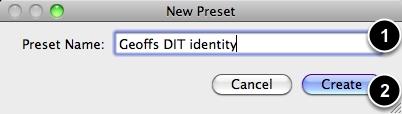
- Give the Preset a name.
- Select Create.
Complete this step

Complete the process by selecting Done.