Quick Collection
In this lesson you will learn to make a temporary Collection of your work.
Catalog
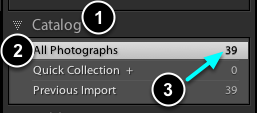
- Open the Catalog Panel.
- Select All Photographs view.
- Note the number of images in the catalog.
Add an image to Quick Collection
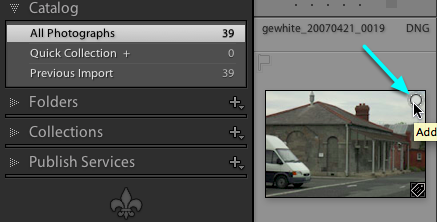
Place the cursor over the top right area of an image in Grid View.
When the small circle appears, CLICK on it.
In the Quick Collection
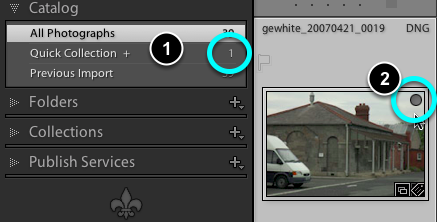
- The image has now been added to the Quick Collection. Note the numeral indicating the number of images in the collection.
- Note also the addition of a grey circle to the image in Grid View.
Quick Collection view
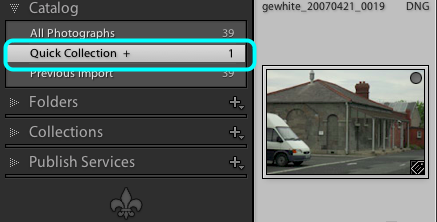
Select Quick Collection view now. You will only see those files which have been placed in the collection.
Note, this file has not been moved from its original location on your HD. The collection is virtual.
To remove an image from Quick Collection
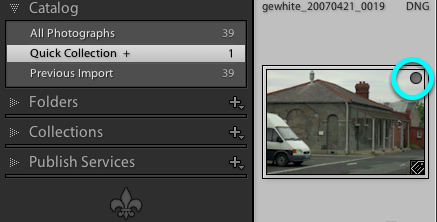
To remove an image, simply CLICK on the grey circle and it will be removed from Quick Collection.
Note, the file will not be deleted from your HD. It is simply removed from the virtual collection, it still remains, unmodified, in the All Photographs catalog.