Flags
You can edit your photographs using a simple flagging system.
Picks

Press the P Key to Flag an image as a Pick. Note the White Flag.
Rejects
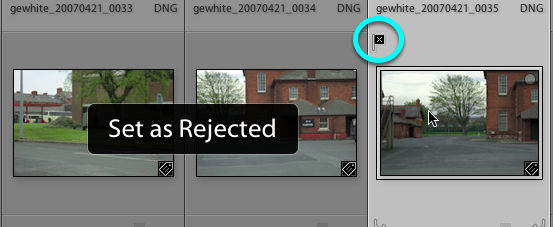
Press the X Key to Flag an image as a Reject. Note the Black Flag.
Remove the Flag
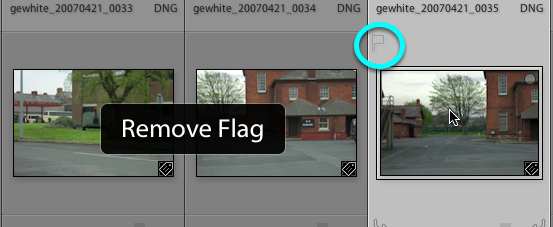
To remove a Flag, use the U Key. Note the Outline Flag.
Filter Flagged images
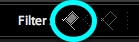
Select the White Flag icon to the right of Filter: on the Toolbar.
Now you should only see the Flagged images without the Unflagged images or the Rejected images.
Filter Rejected images

Select the Black Flag icon to the right of Filter: on the Toolbar.
Now you should only see the Unflagged images without the Fagged images or the Unflagged images.
Filter Unflagged images
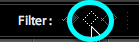
Select the Outline Flag icon (in the the centre) to the right of Filter: on the Toolbar.
Now you should only see the Unflagged images without the Flagged images or the Rejected images.
Which view am I in?
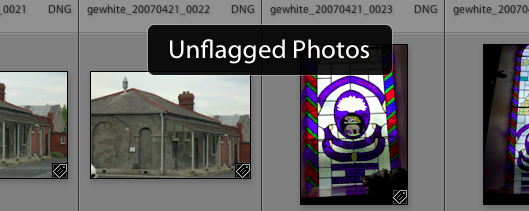
When you choose a Filter: Flag view, you will always get an onscreen notice informing you.
Note it is possible to filter with two flags at the same time, for example you could choose to view both the Rejected and Unflagged images together.