Develop Module
In this lesson you will prepare the interface for developing a Raw file.
Develop mode

Select Develop on the top right of the Lightroom interface.
Left Panel
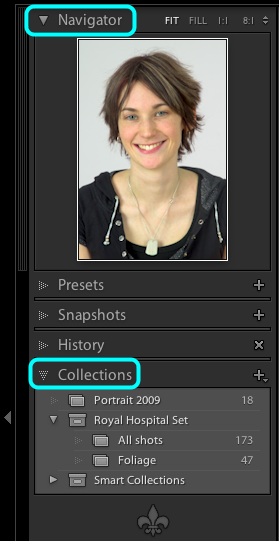
In the Left Panel, open both the Navigator and Collections panels.
Right Panel
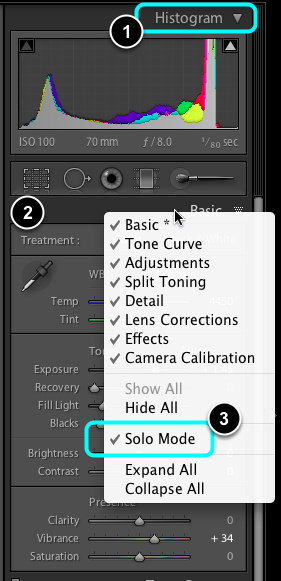
- Open the Histogram interface.
- CTRL + Click on the Basic panel
- Select Solo Mode.
Choose image to process
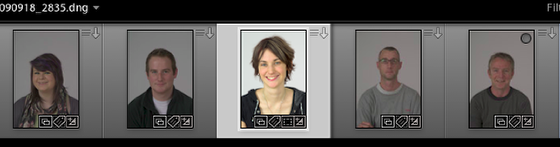
Select a image to process from the Filmstrip at the bottom of the screen.