Fine tuning the Histogram
In this lesson you will refine the tonality in the shadow areas.
Update the Before and After views

Now update the Before view with the After view again.
Shadows
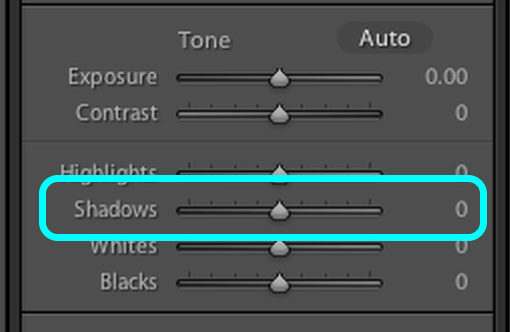
Now slide the Shadows slider right to about +60
This will lighten the tonality in the shadow area but leave the blacks unaffected.
Tip: watch the Histogram as you do this.
Compare the Black again
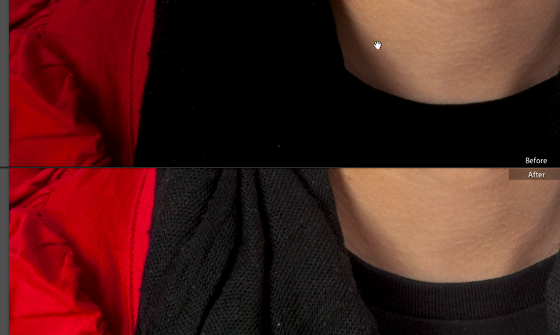
Note how the detail in the black scarf is now visible.
Highlights
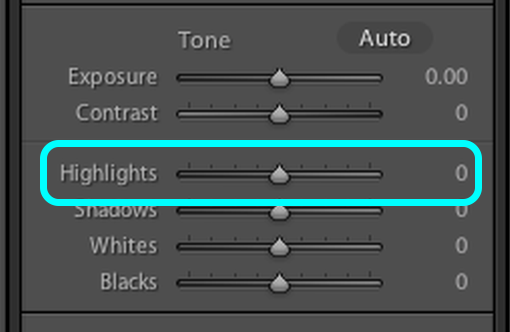
Highlights slider works lighteninging or darkening the lighter tones in the image without efecting the lightest tones.
Applying a small amount, + 20, with the Highlights slider slightly lightens the image.
Highlights effect

Notice how the skin tone has been splightly lightened.
Highlights can also be to darken liht areas of an image in order to restore detail.