Zipped Folder
In this lesson you will make a new folder and compress it to Zip format for use with File Sender.
New Folder
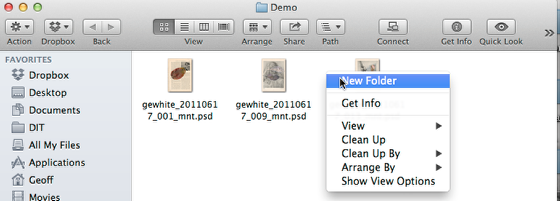
Make a new folder.
Folder Name
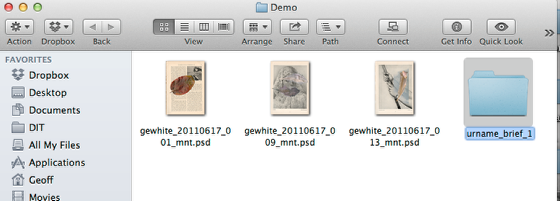
Name the new folder with your name and the brief, e.g. urname_brief_1
Files to Folder
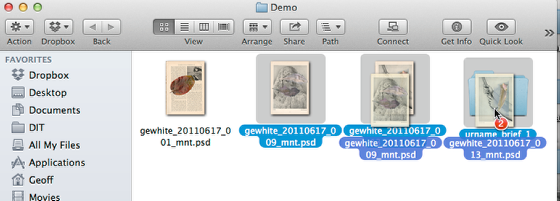
Drag the files that are send via FileSender to the folder.
Compress the
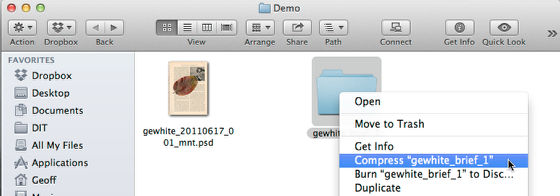
Control + Click the folder with the enclosed files.
Choose: Compress
Zip file

You will now have a new file which is the compressed folder and enclosed files.
This is the file that will be sent via FileSender.
Note Windows PCs have a similar facility for making zip files.