Setting up folders on your external hard drive
This lesson will show you how to set up your folders on an external hard drive.
Select your External HD
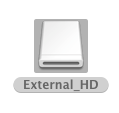
Find your external HD on your Desktop
Make first new folder
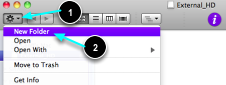
- Press the Action Button
- Select New Folder
Your catalogue and Images folder
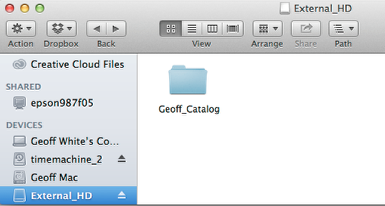
Make a new folder and name it: YourName_Catalog
Folder
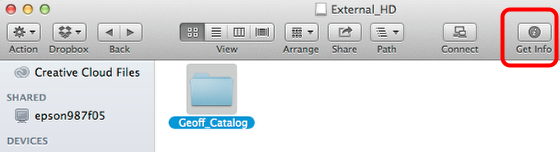
Select the new folder, then select Get Info. Note this may be located differently on some systems.
Label
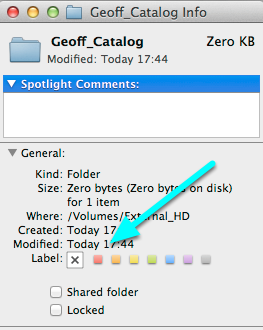
Now select the RED label. This will make the folder more visible in the Finder.
Red Label
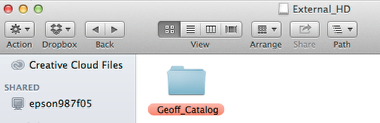
Now enter the new folder.
Download Folder
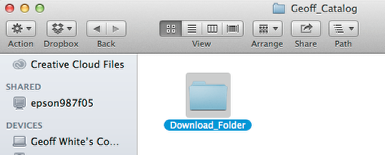
In the YourName_Catalog folder, make a new folder and title it: Download_Folder.
Working Folder
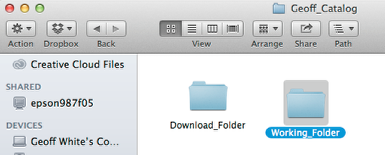
Now make a second new folder, and name it: Working_Folder.
Folder Structure
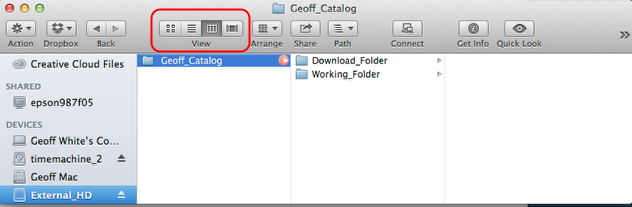
Change the folder view to Column View, your folder structure should look as illustrated.